 First Seek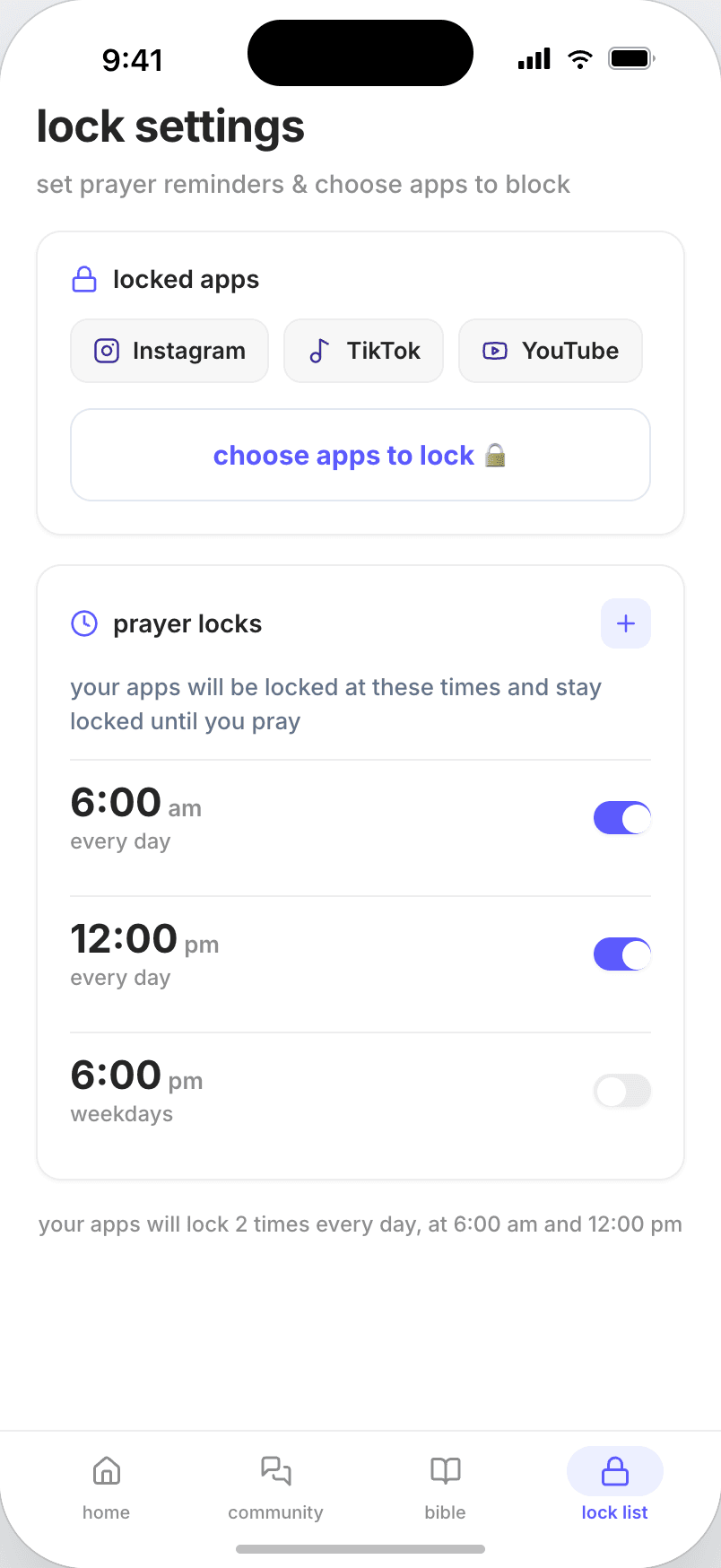
you pick what closes
Instagram, TikTok, YouTube, whichever ones pull hardest. Then the hours they should stay shut.
on iPhone
Instagram, TikTok and YouTube stay closed until you give two minutes to God.
Free to download, and the first three days are free.
how it works
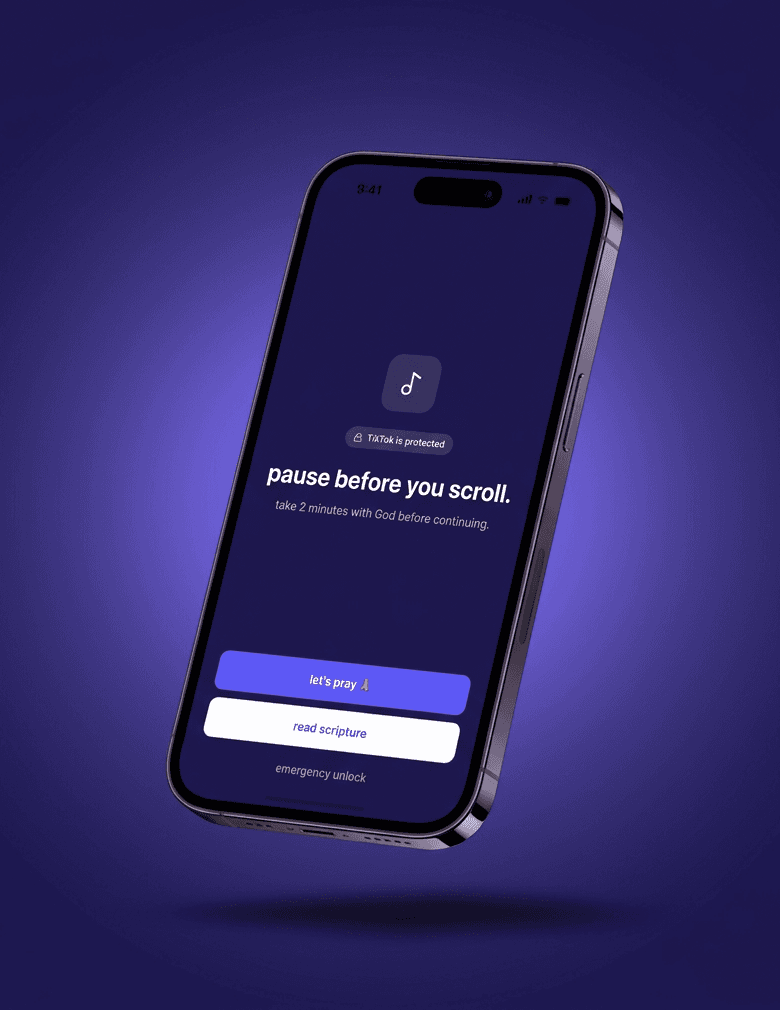
Willpower runs out around nine at night. The lock does not.
Instagram, TikTok, YouTube, whichever ones pull hardest. Then the hours they should stay shut.
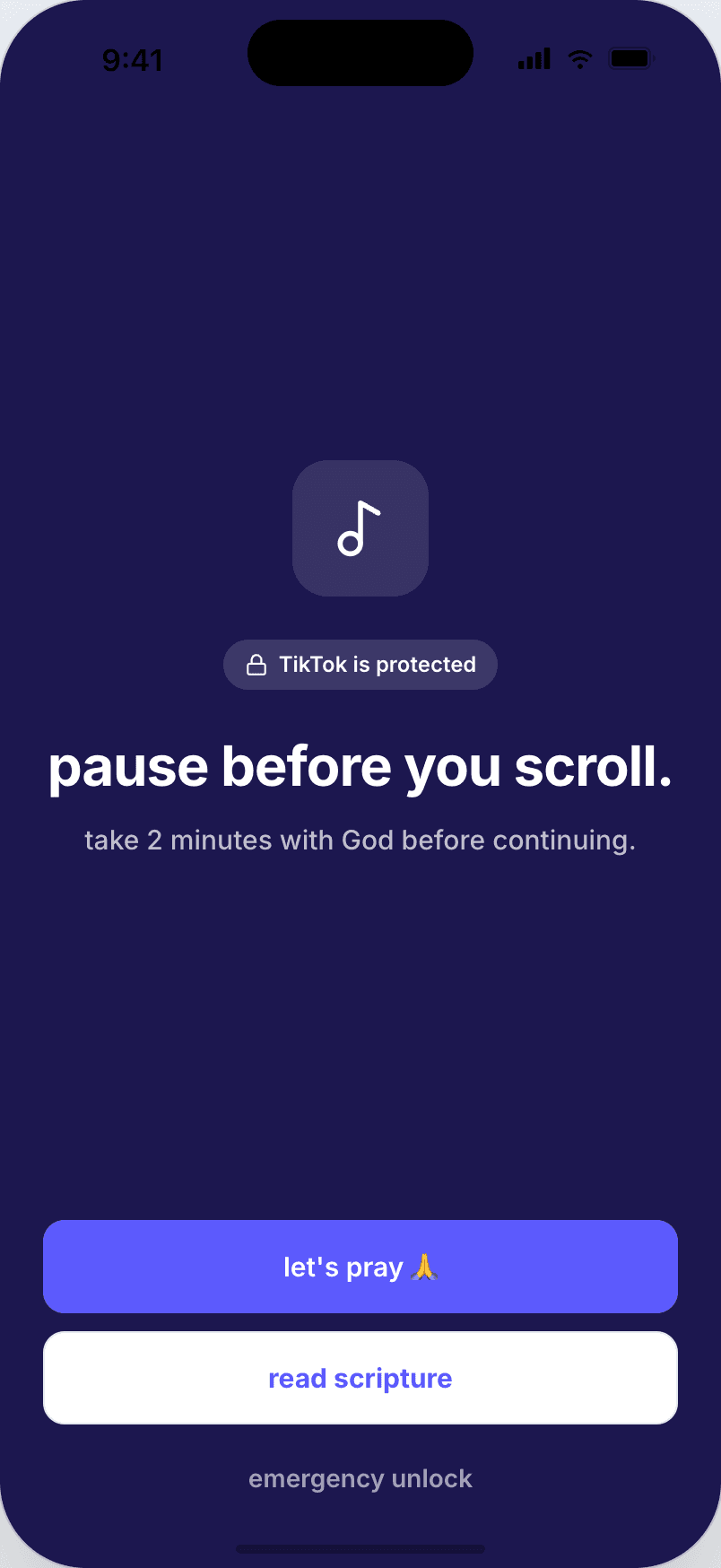
At the hour you chose, the iPhone holds it shut through Apple's Screen Time. Not a reminder you can swipe away.
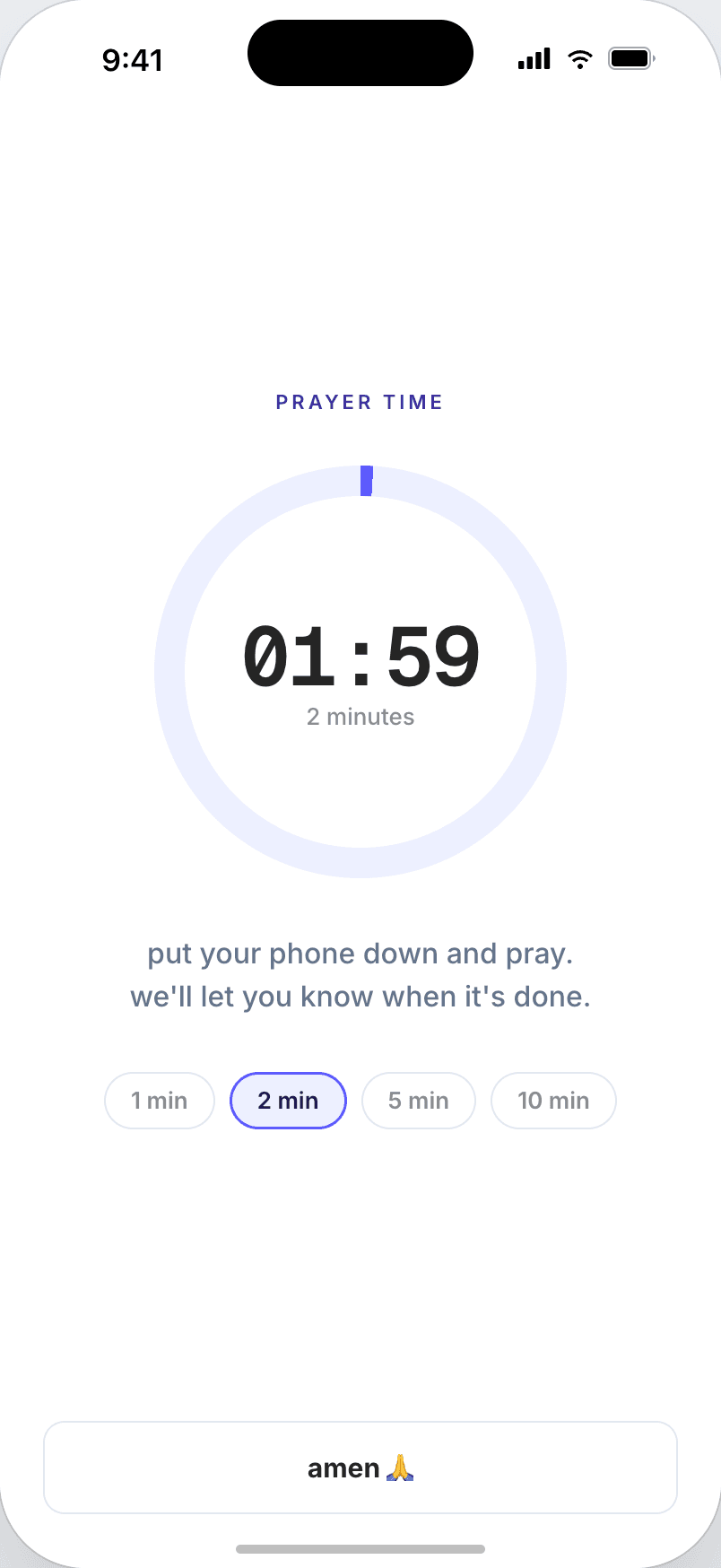
The phone goes face down, the timer runs, and at the end everything unlocks for fifteen minutes.
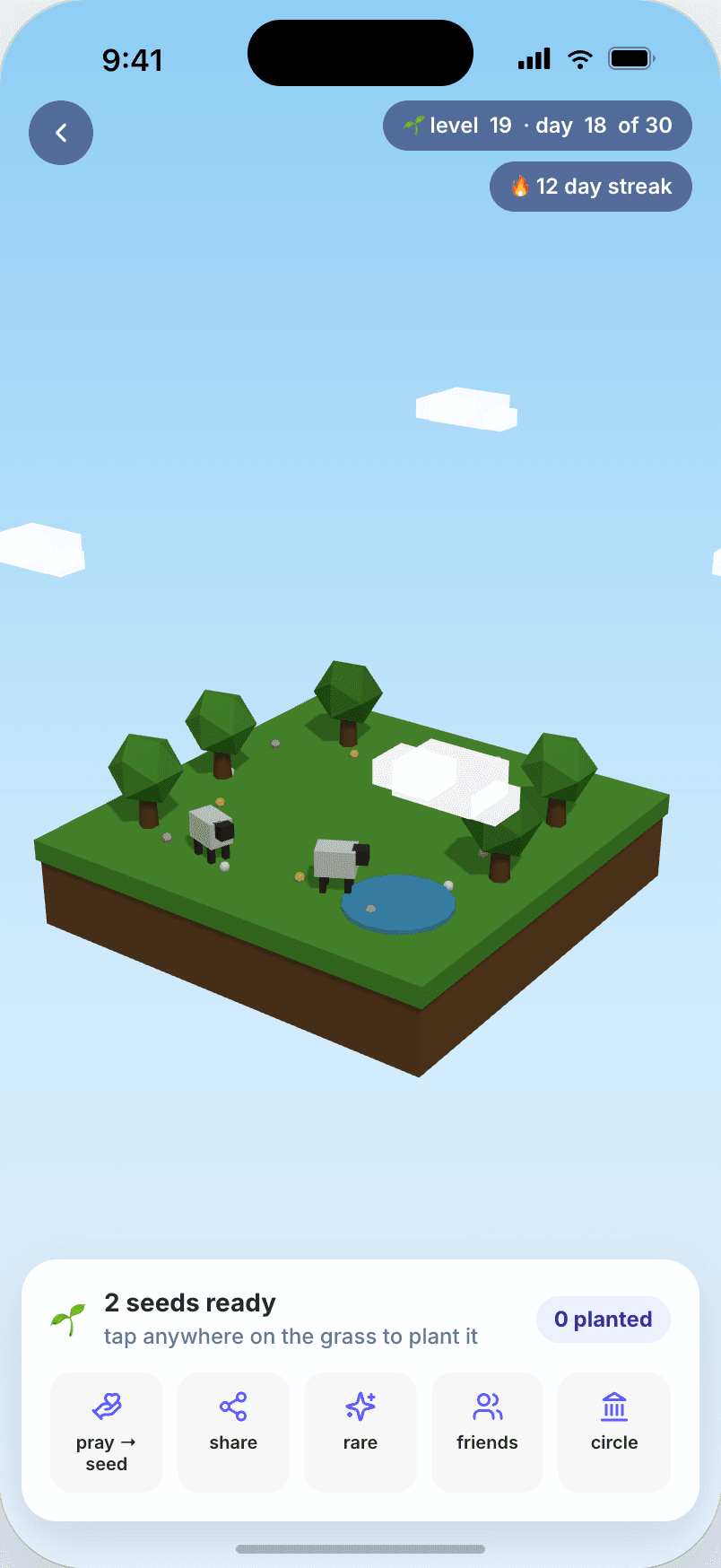
the kingdom
It starts as an empty field. Every day of prayer plants a seed, and by day ninety the church is standing at the centre of the island.
inside the app
Days in a row, minutes prayed, and the last thirty days side by side.
A 21-day reading plan, and a verse waiting on the lock screen.
A prayer wall, friend circles, and the "I prayed for this" from someone who read yours.
questions
It works. First Seek uses Apple's Screen Time APIs, the same ones behind parental controls, so iOS itself hides the app. There is an emergency unlock, and it is counted and shown in your history, because trapping anyone in their phone is not the point.
From the App Store, on iPhone. The app asks for Screen Time permission on first launch, which is what lets it close other apps. Nothing is blocked until you pick which apps to lock and at what hours.
Not yet. The lock is built on Apple's Screen Time, and Android has no equivalent to build on. If that changes, this is the first thing we would do.
The first three days are free. After that it is $39.99 for the year, which comes to about $0.77 a week. Cancel any time from your iPhone, in two taps.
It becomes your account and ties your progress to the device. No purchased lists, nothing passed to third parties, and an unsubscribe link in every message.

start
Pick the apps, set the hours, and tomorrow morning they will not open before the prayer.
Download on the App Store